



The newest image AI —
try it in your browser, the day it drops.
Nothing to install. Make illustrations, turn a still into a short video, or touch up a photo, all in the browser.
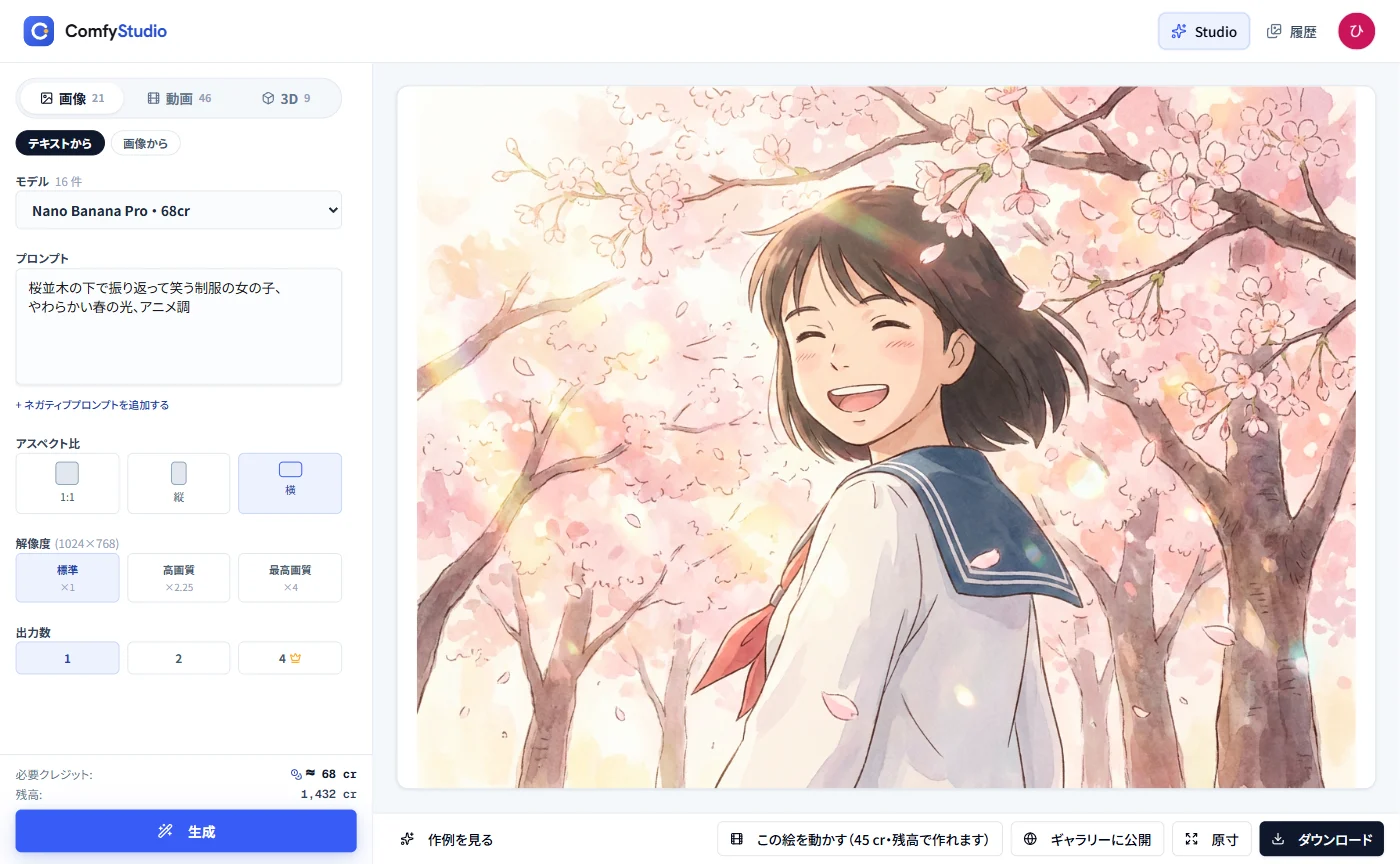
Generate your first image freePick a model, write in plain words.
No extra software and no setup. You generate and download in the same browser tab.
Choose your entry by what you make.
Illustration & image generation
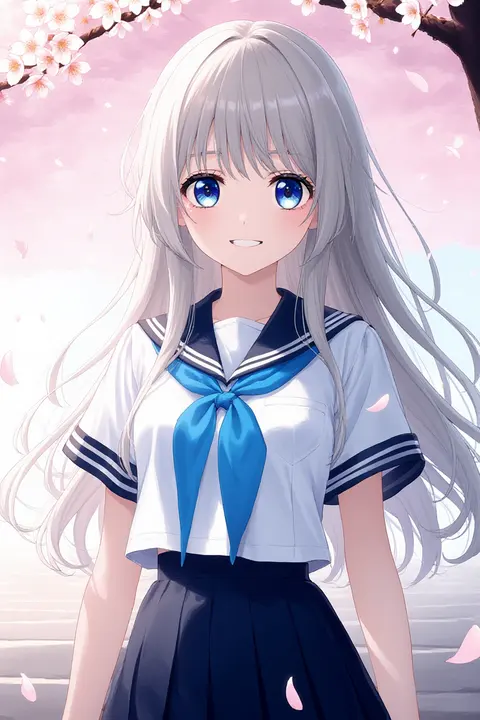
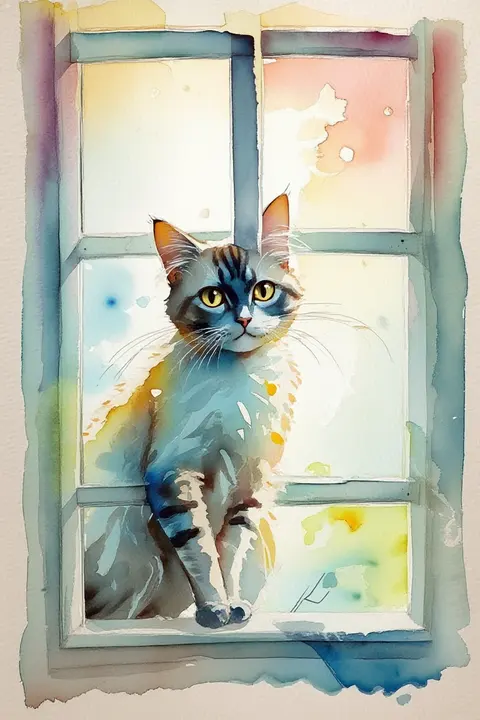
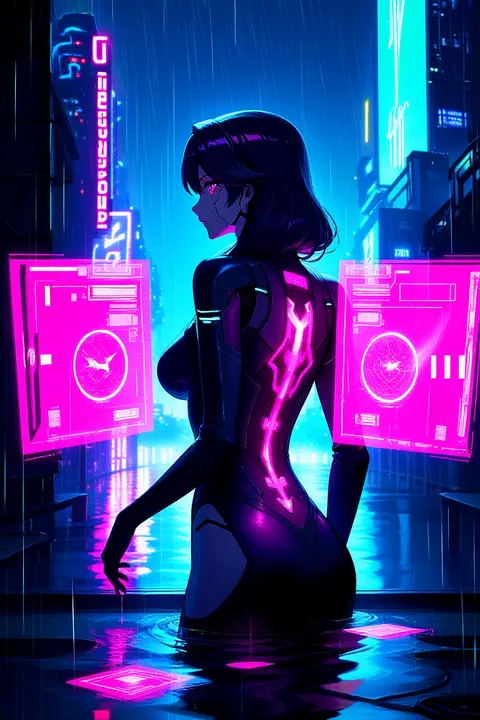
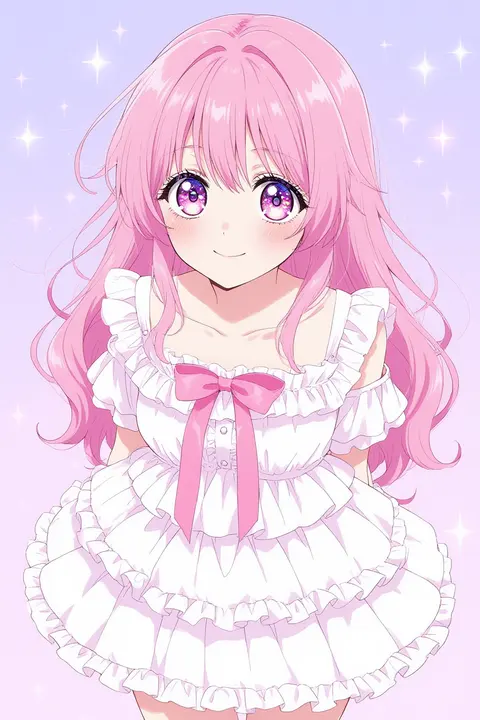
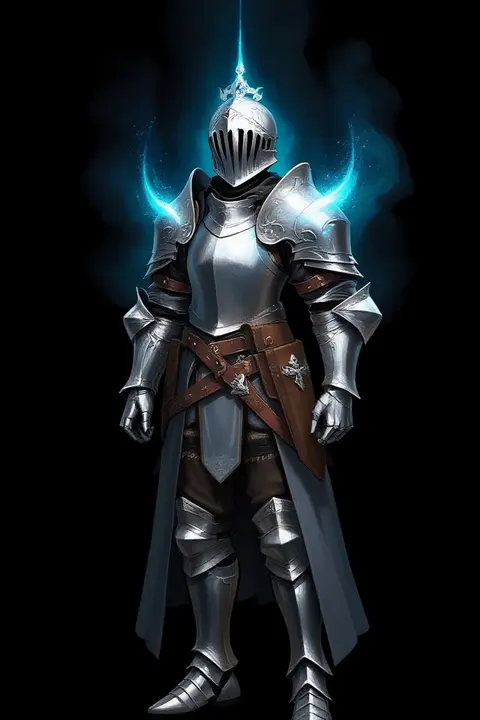
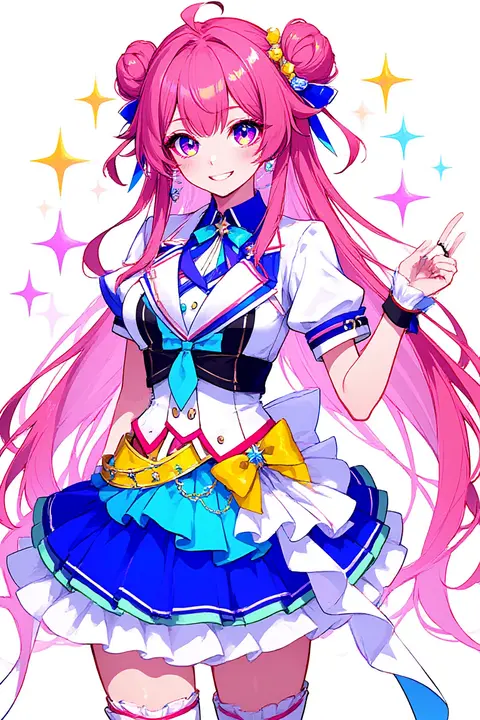
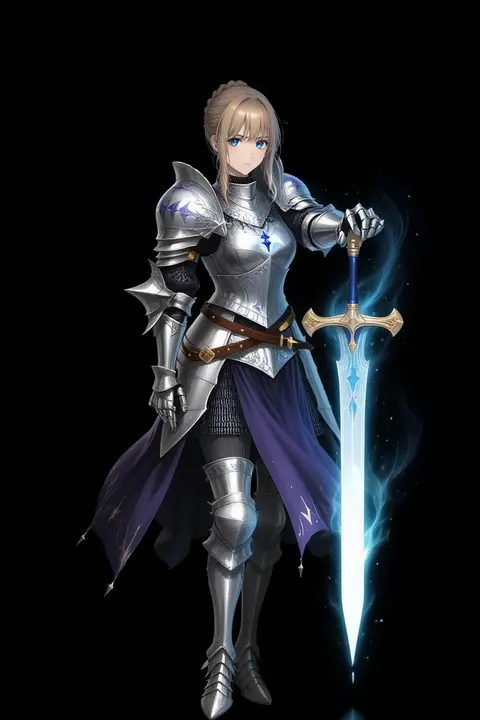
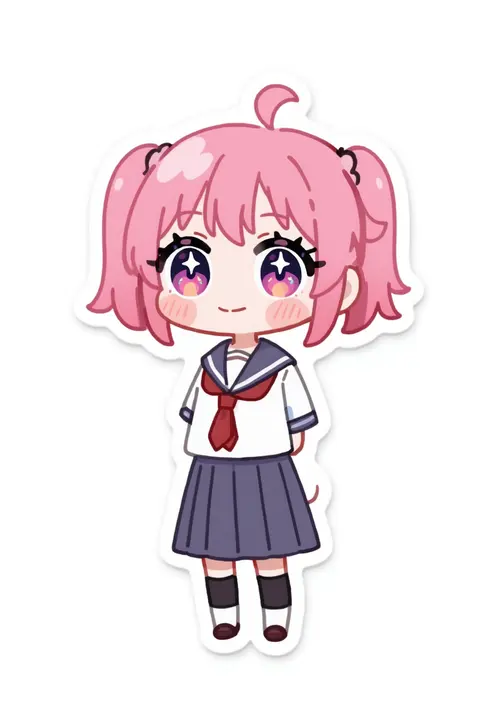
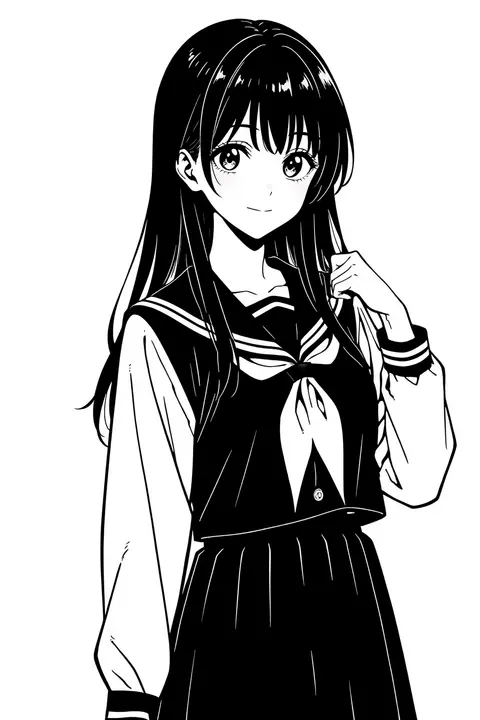
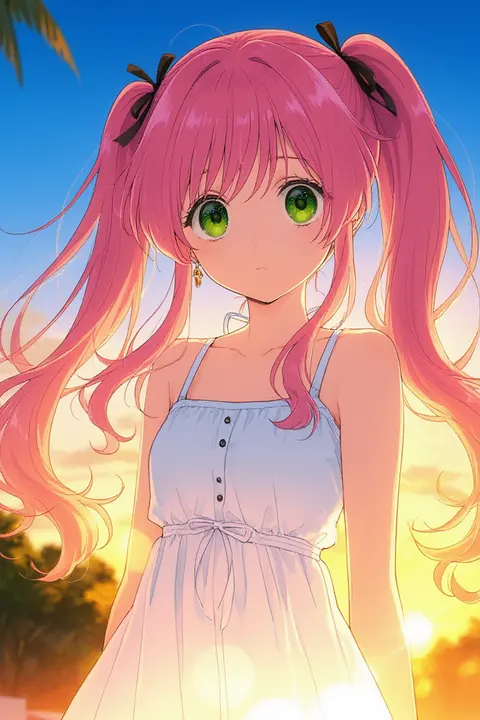
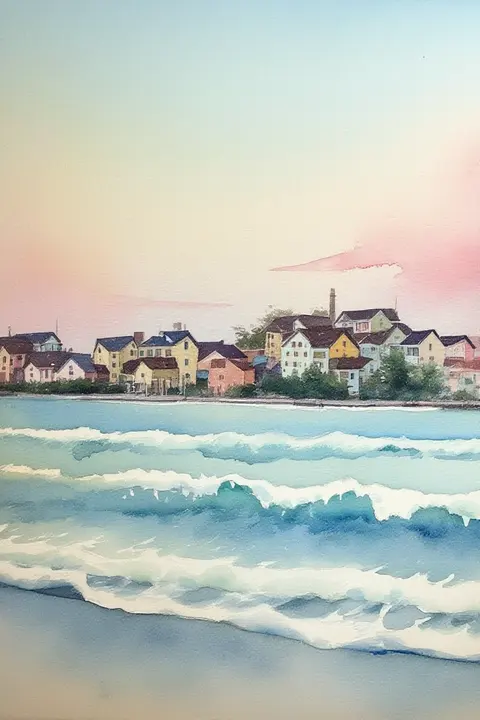
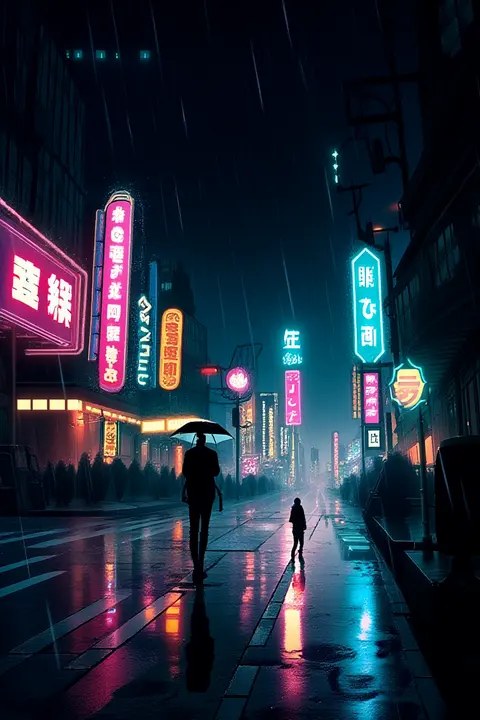
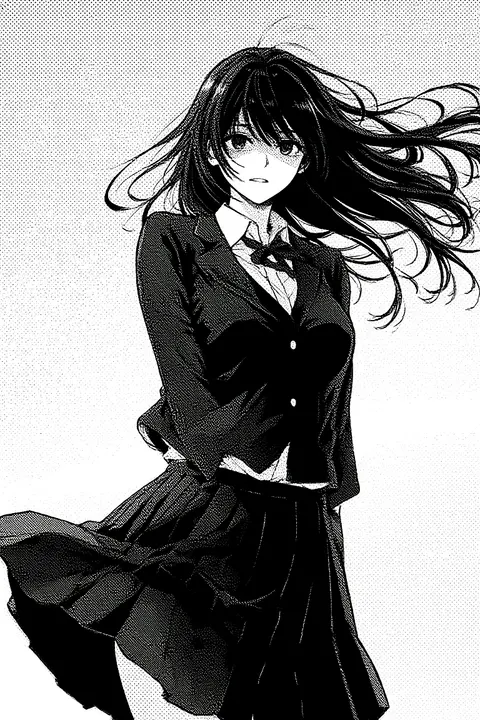
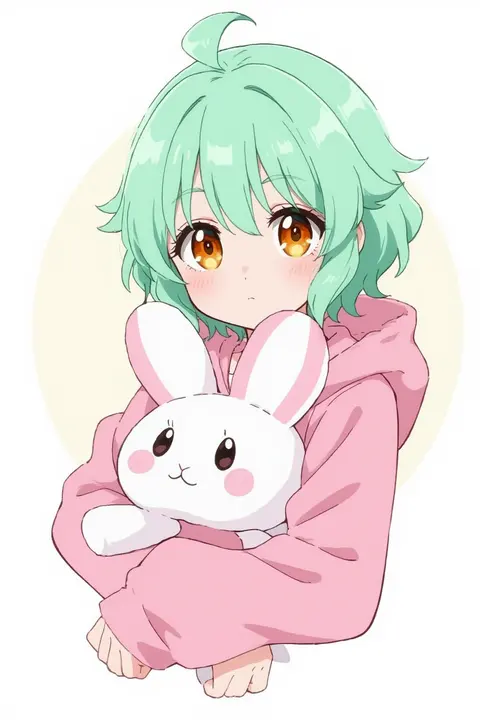
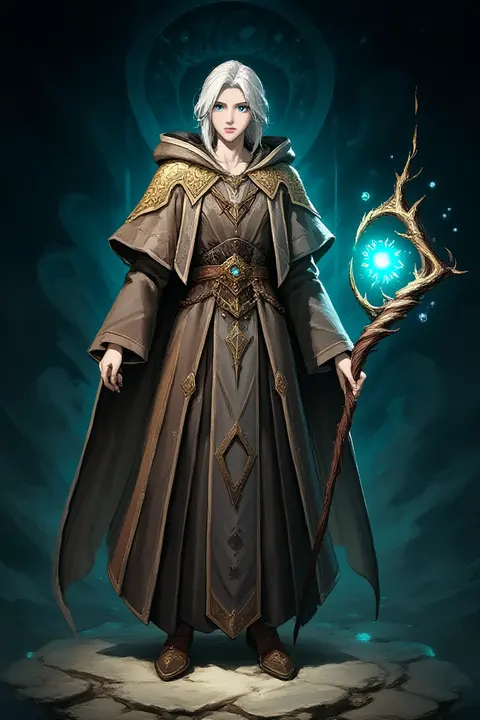
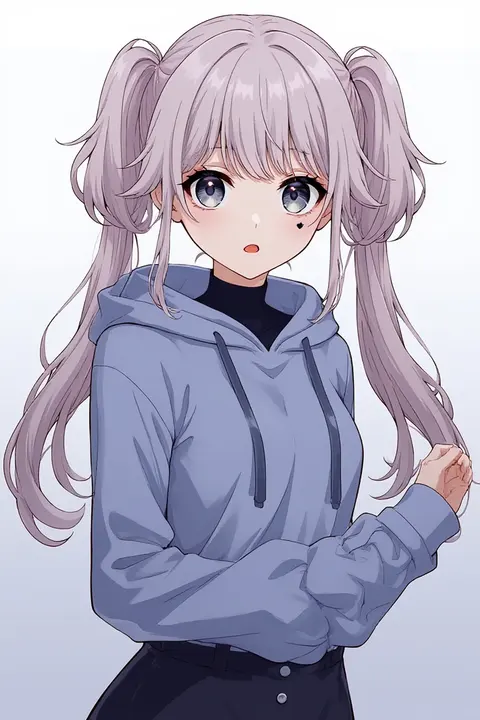
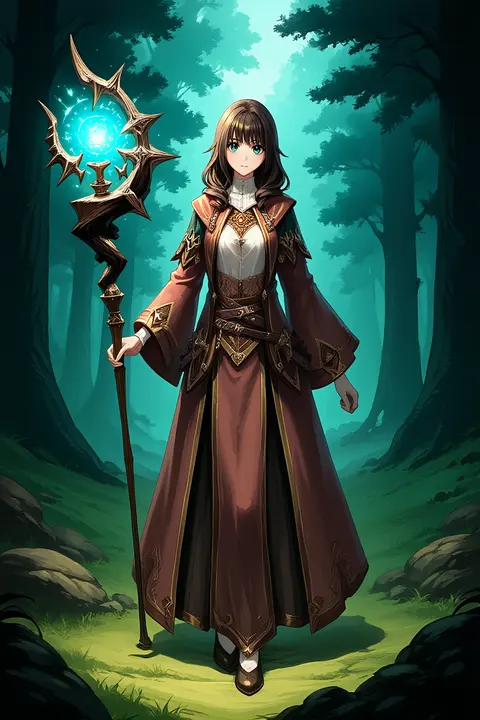
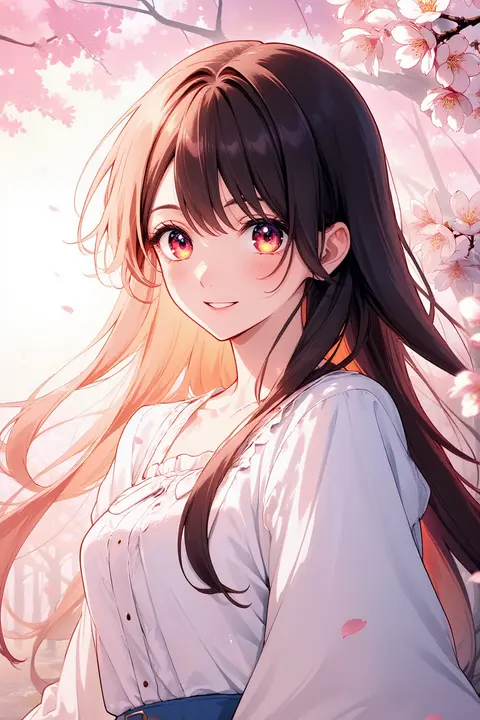
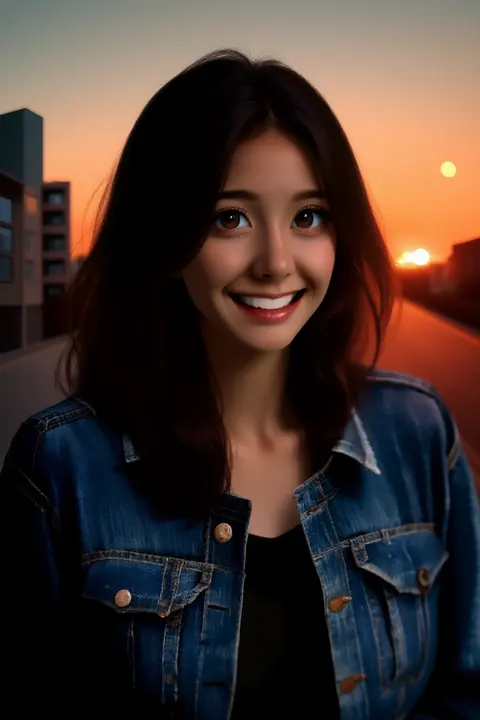
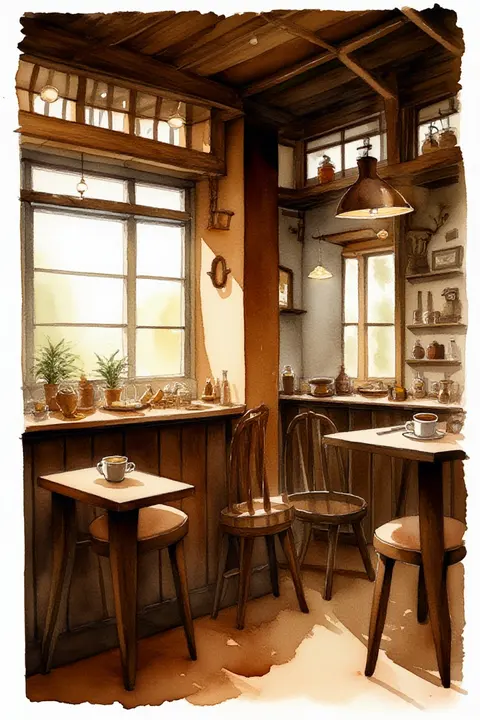
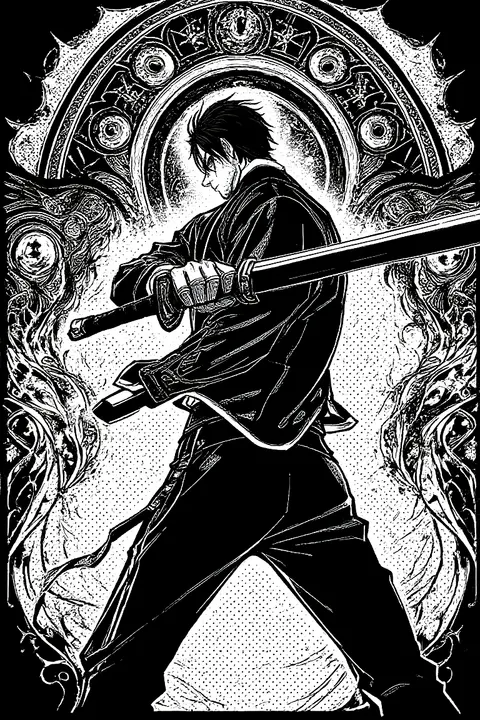
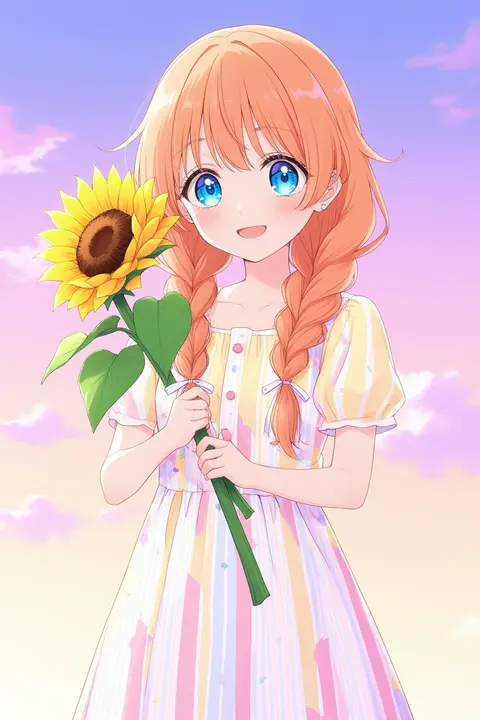
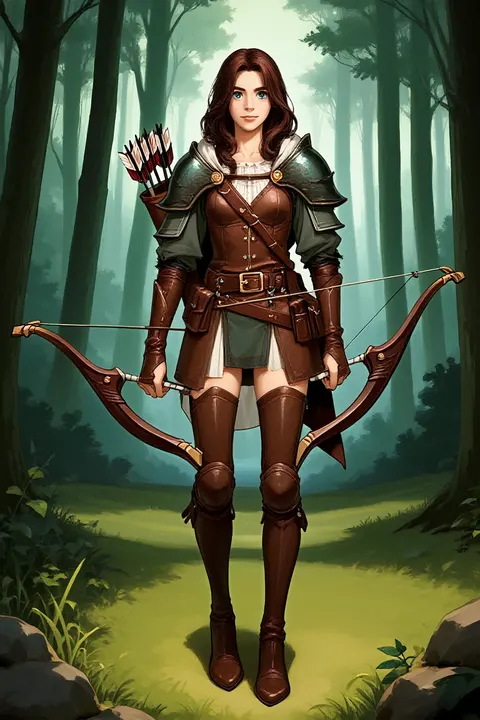
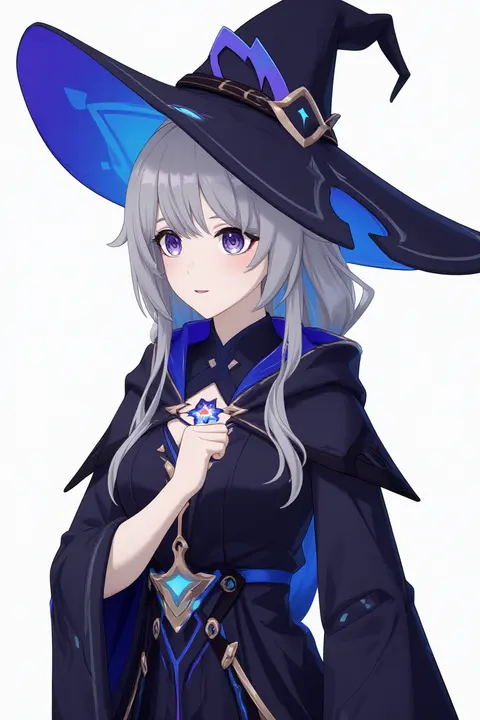
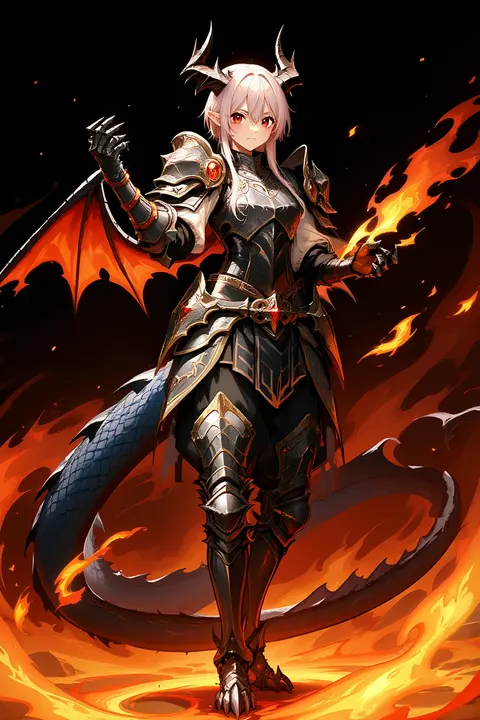
We add new models as they come out. Anime, realistic or watercolor: the style comes from your prompt.
Browse GalleryVideo generation
Give it one illustration or photo and get a few seconds of video. Some models work from text alone.
See video GalleryPhoto retouching
Paint over something to remove it, make the background transparent, or upscale 4×. Basic photo fixes in the browser.
See photo retouchingChange the style with your prompt.
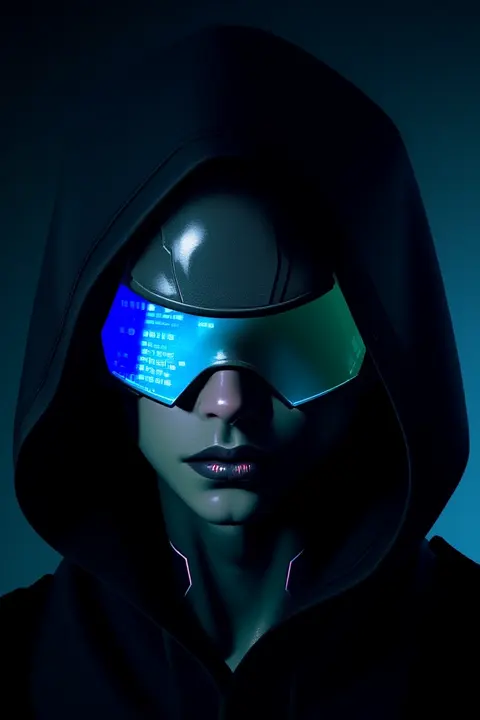
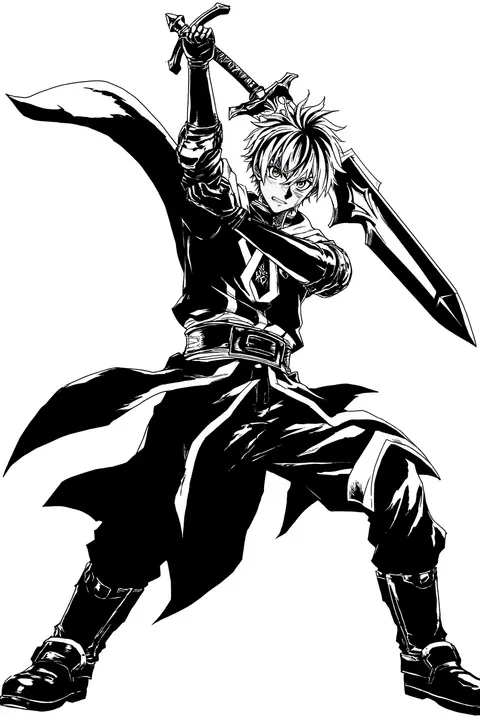
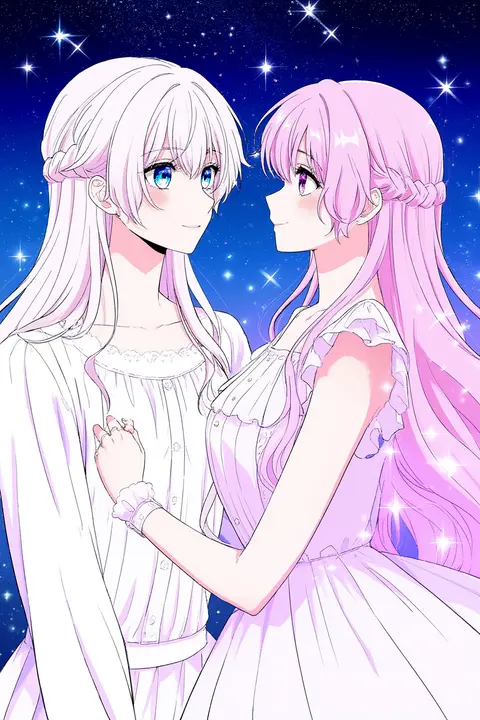
Every example below was made with ComfyStudio. Click one to open a prompt in that style.
Three steps to start.
From sign-up to your first 25 images, it's completely free. Decide whether to continue after that.
- STEP 01100credits
Sign up in 30 seconds
Just email or Google. A one-time 100 credits grant is added automatically. No credit card required.
Get started free - STEP 02~25images
Try it out first
Standard images cost about 4 credits each. Your one-time 100 credits can make ~25 images.
Get started free - STEP 03Monthly plans or top-ups
Keep going if you like it
A monthly plan if you use it often, a one-time pack if you don't. The credit cost is shown before every generation.
Get started free
Frequently asked questions
Questions about pricing, styles, commercial use and generation time.
What is ComfyStudio?
An image and video generation service that runs in your browser. We set up models that run on fal.ai so you only pick one and write a prompt. You don't need a GPU or any ComfyUI knowledge. It is built mainly for anime and illustration work.
Can I try it for free?
Yes. A one-time 100 credits grant is added when you sign up. That is enough for about 25 standard images. No credit card required.
How does pricing work?
Start with free credits, then choose a monthly credit plan or one-time top-up. Monthly plans start at Lite (¥980 / 1,500 credits), with a lower effective cost per credit on higher tiers. Standard images are about 4 credits, and videos are about 30–596 credits depending on the model. The credit cost is shown before you generate.
What styles can I generate?
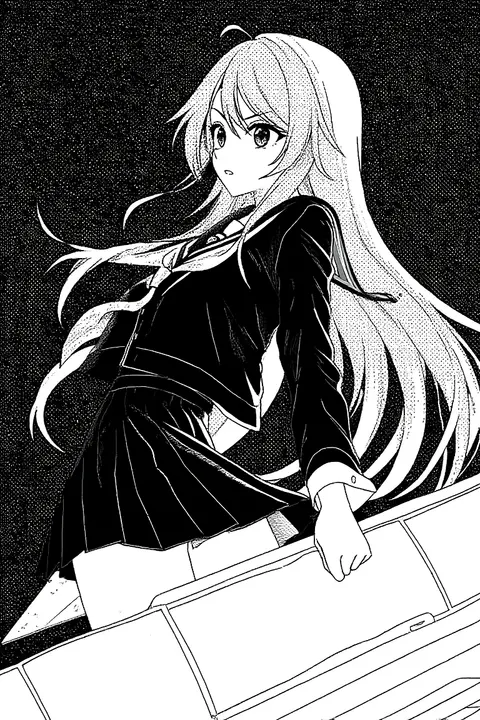
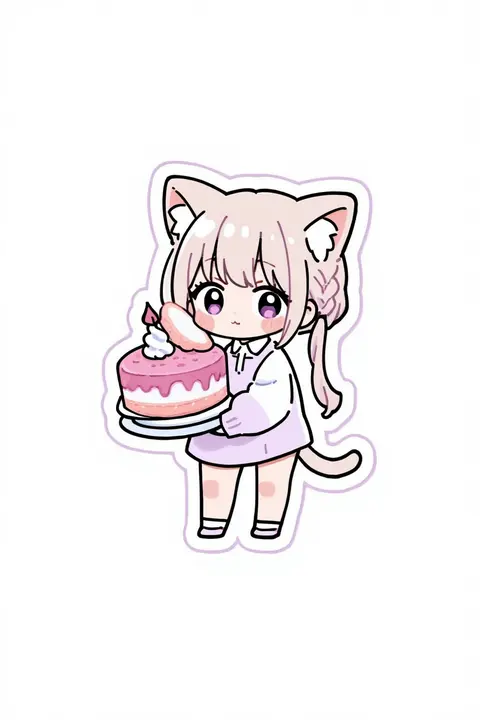
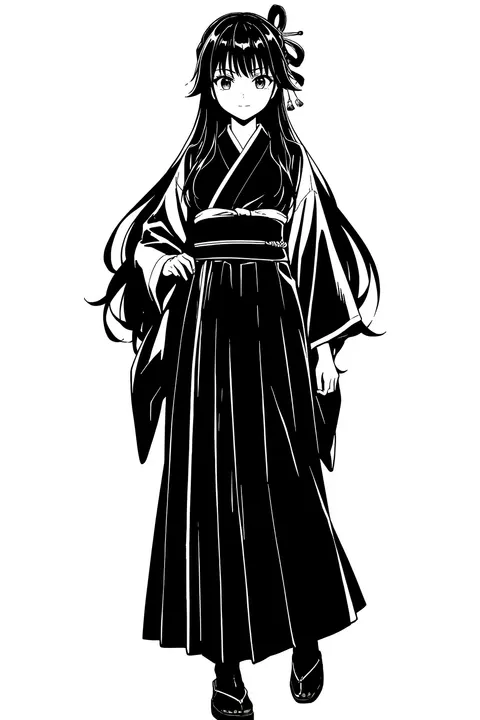
You set the style in the prompt. The Gallery has examples in anime, realistic, watercolor, manga, game-asset and VTuber styles. Video, 3D and image editing (repaint a masked area, remove the background, upscale 4×) are in the same studio.
Is commercial use allowed?
Yes, on every plan. Copyright in generated images and videos belongs to you (please avoid outputs that infringe third-party rights, such as imitating real characters). Operated by a Japanese corporation with commercial-disclosure compliance.
Do I need to know ComfyUI?
Not at all. The node setup is prepared on our side. Pick a Gallery example and generate with its workflow and prompt already set.
What resolution can I get?
Images come in 1:1, 3:4 (portrait) or 4:3 (landscape), and supported models go up to high and max quality (up to 2048×2048). Video resolution and length depend on the model — Studio shows what each one allows. Higher resolution or longer clips use more credits, and the cost is always shown before you generate.
How long does generation take?
Images take about 10–30 seconds each; video about 20 seconds to 4 minutes, depending on the model and load. The studio shows an estimated time while generating.
Can it make NSFW or deepfakes?
No. ComfyStudio is for safe-for-work use. R18 content, edits of real people and copyright infringement are filtered on both the prompt and the output.
Make your first image.
One-time 100 credits on signup. No credit card, cancel anytime.